Formats
What You Can Preview
One extension. Every file you actually use.
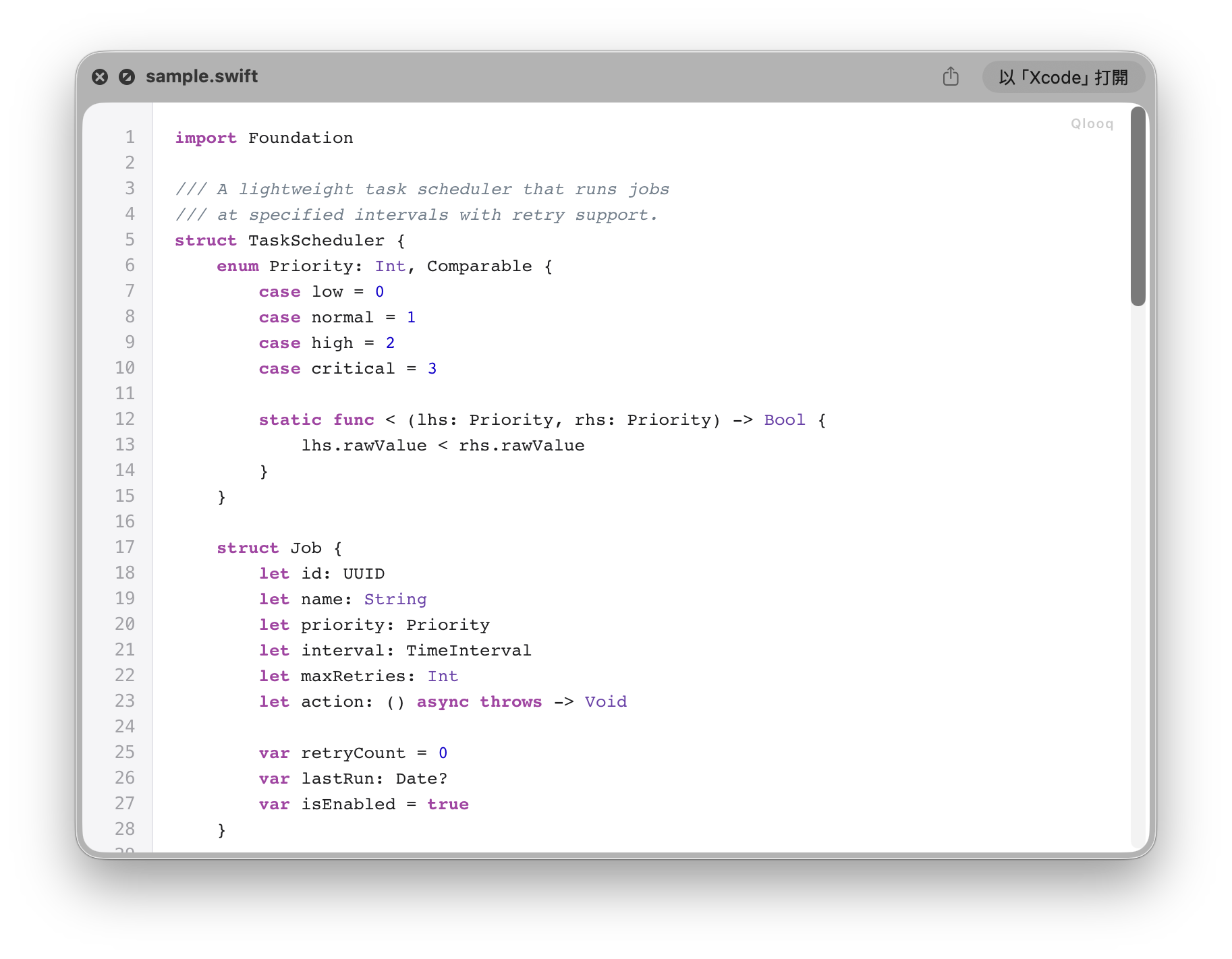
Source Code
20+ languages with syntax highlighting and 8 color schemes.
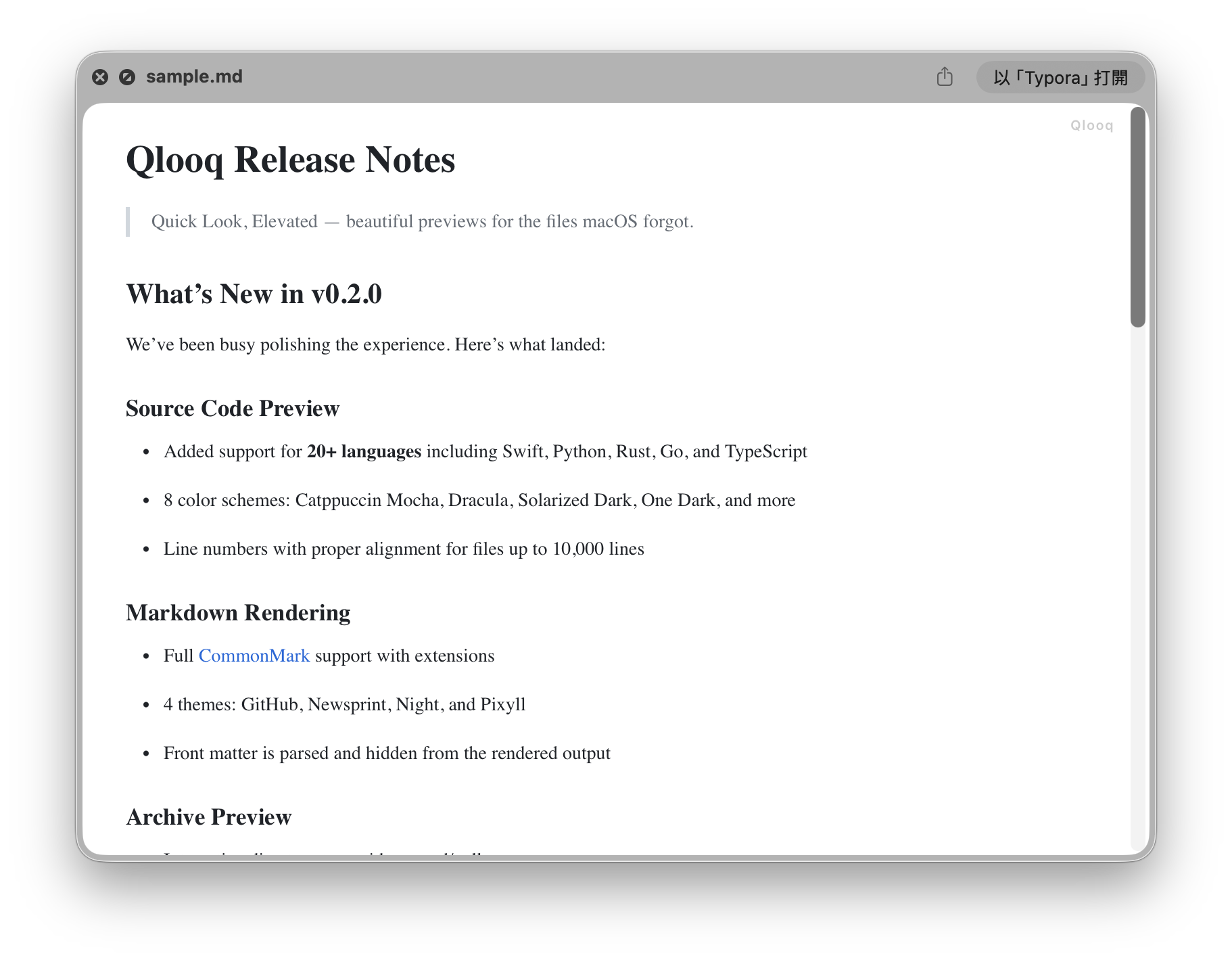
FreeMarkdown
Rendered with 4 themes. See your docs as they're meant to be read.
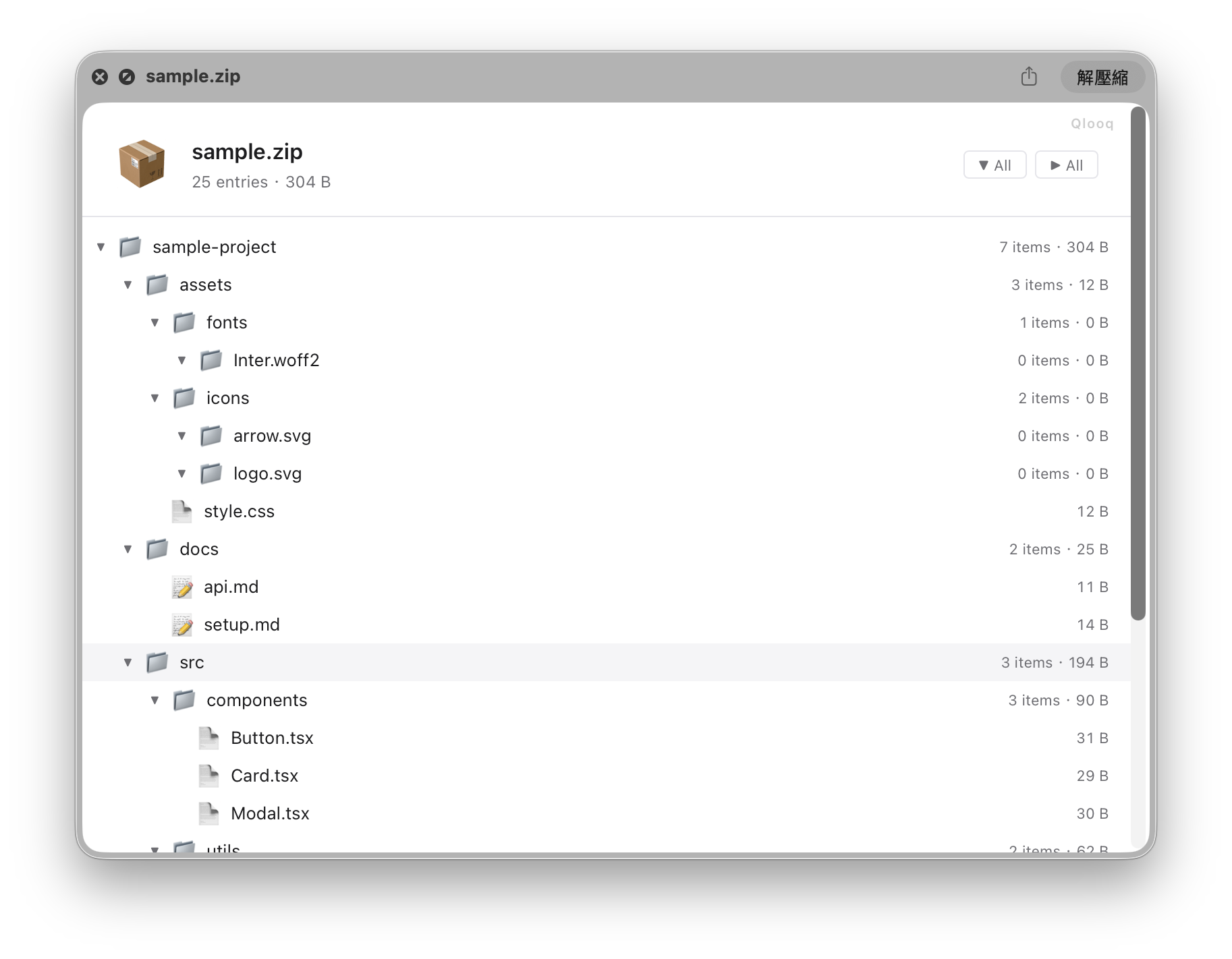
FreeArchives
Directory tree for ZIP and tar.gz. Expand folders without extracting.
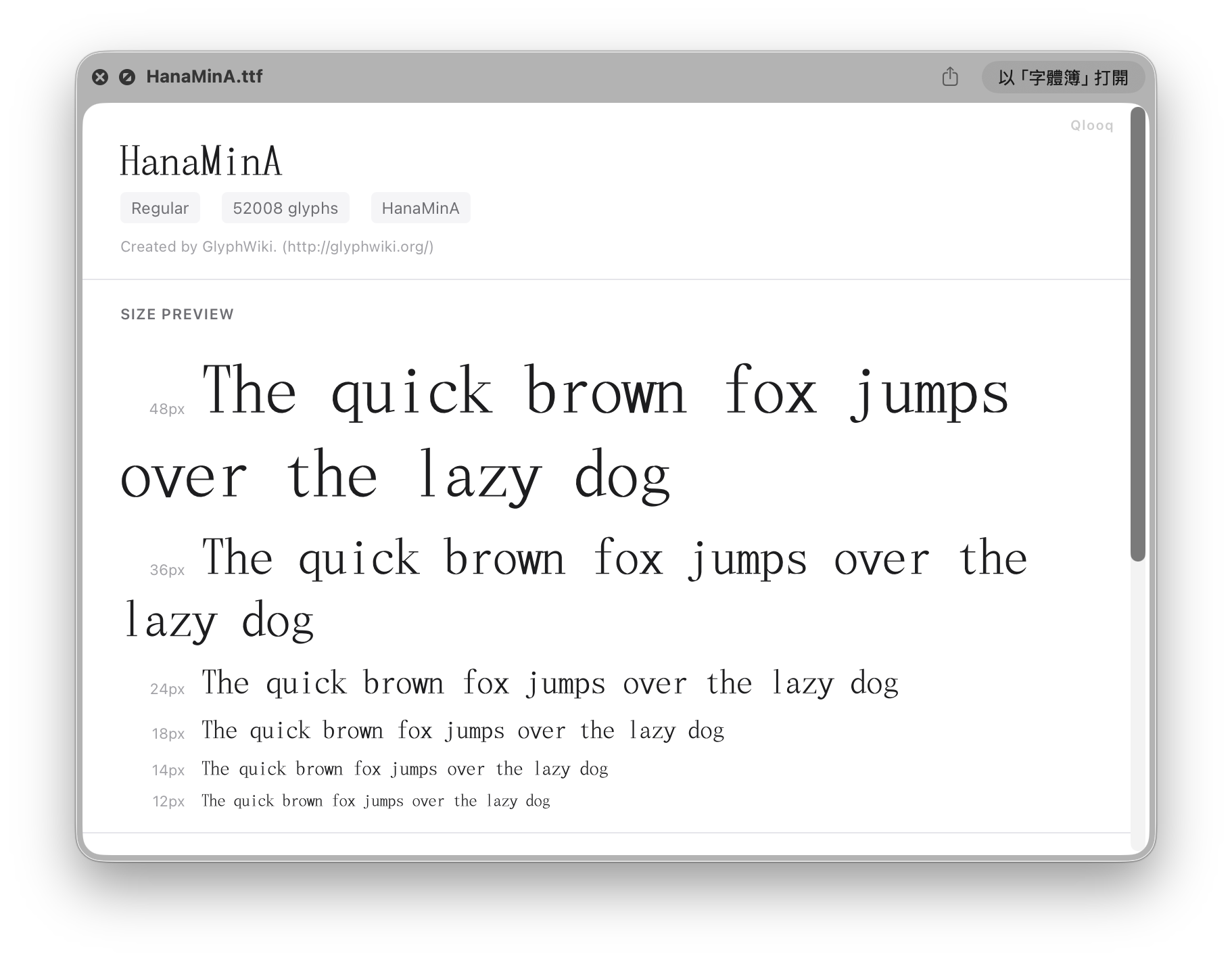
ProFonts
Metadata, multi-size samples, glyph table, and CJK preview.
ProMore formats coming soon…
Why Qlooq
Built right, from the start
One App, All Formats
Replaces 3-4 separate plugins. Install once, forget about it.
Native .appex
Built on modern macOS extension architecture. Survives OS updates.
Privacy First
Sandboxed. No network. No tracking. Your files never leave your Mac.
Designed with Care
Consistent visual style across all formats. Full dark mode support.
FAQ
Common Questions
-
Is Qlooq safe? ▾
Yes. Qlooq runs in Apple's sandbox with no network access and no data collection. It can only read the single file you're previewing.
-
How do I enable it after installing? ▾
Go to System Settings → General → Login Items & Extensions → Quick Look and enable Qlooq. Then select any supported file and press Space.
-
Why can't it preview .txt, .pdf, or .plist? ▾
macOS reserves these formats for its built-in previewer. Third-party extensions cannot override system-claimed UTIs.
-
Does it support dark mode? ▾
Yes. All preview formats respect your system appearance and switch automatically.
-
What's the difference between Free and Pro? ▾
Free includes source code and Markdown preview with default themes. Pro unlocks archive and font previews, plus all additional themes and color schemes.